


What is TeamViewer ONE?
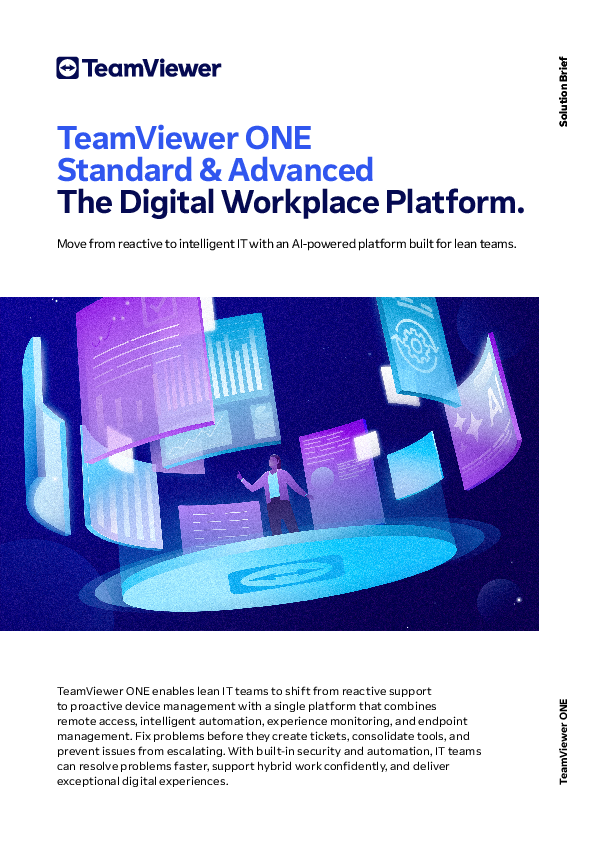
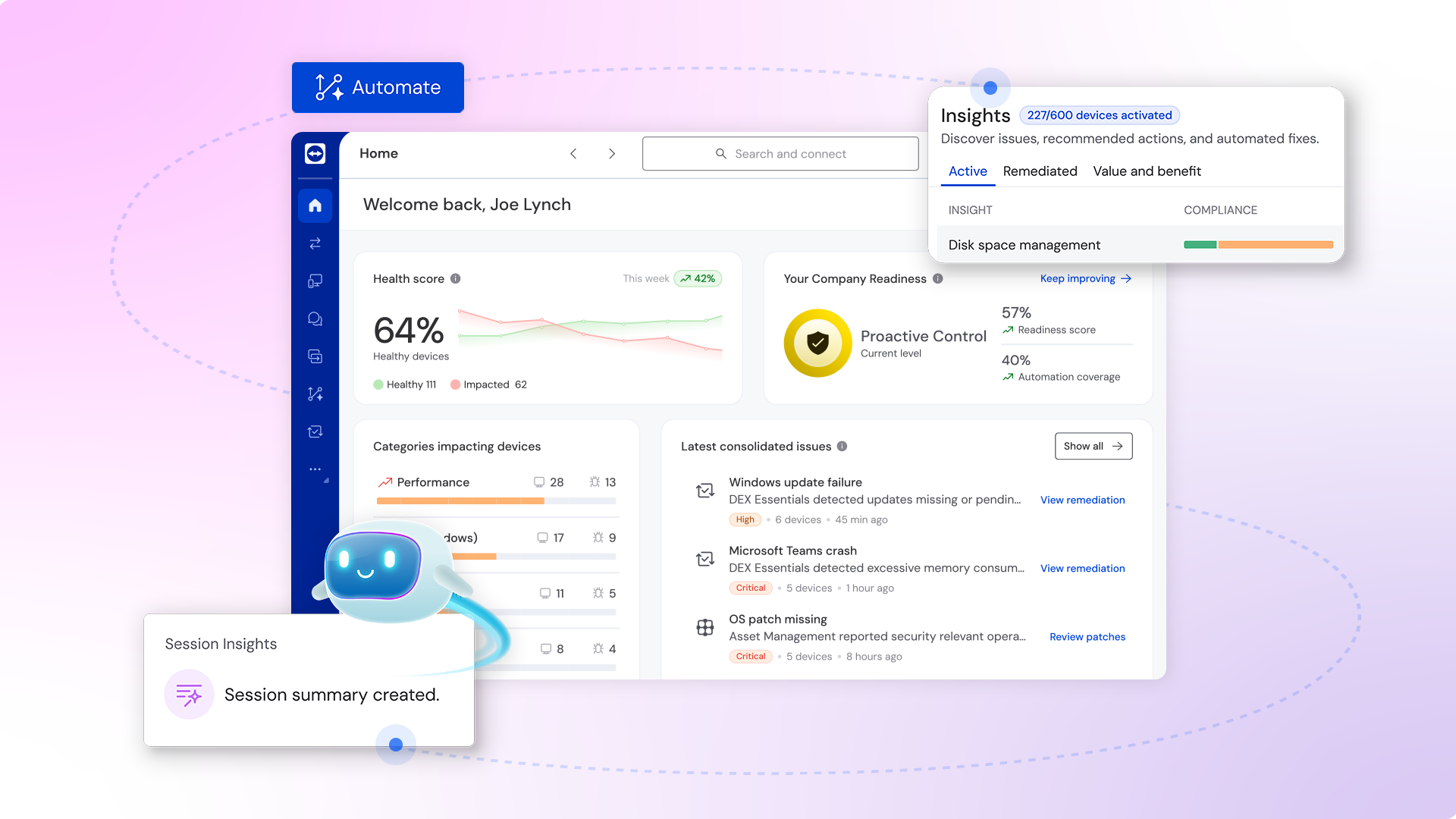
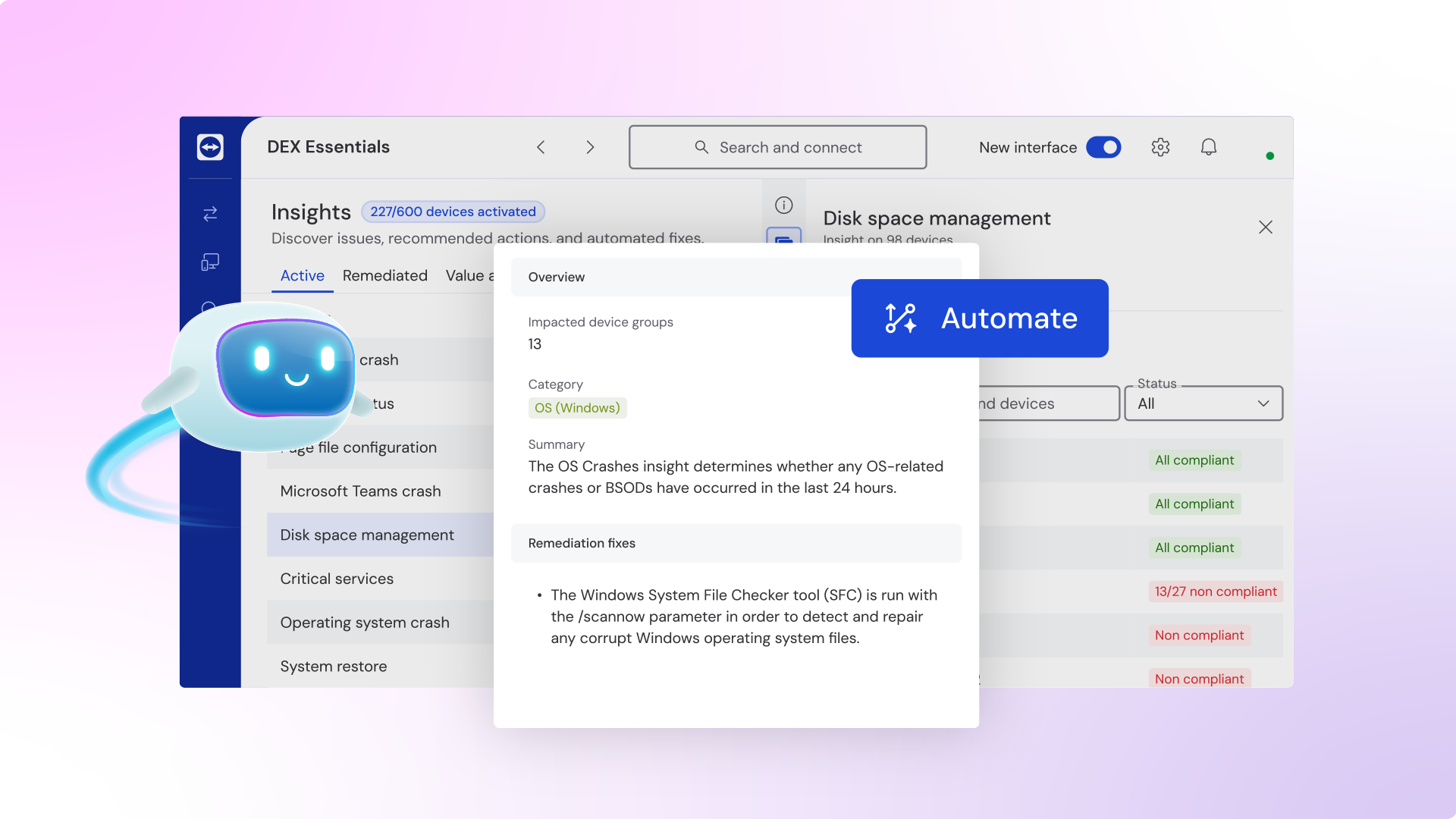
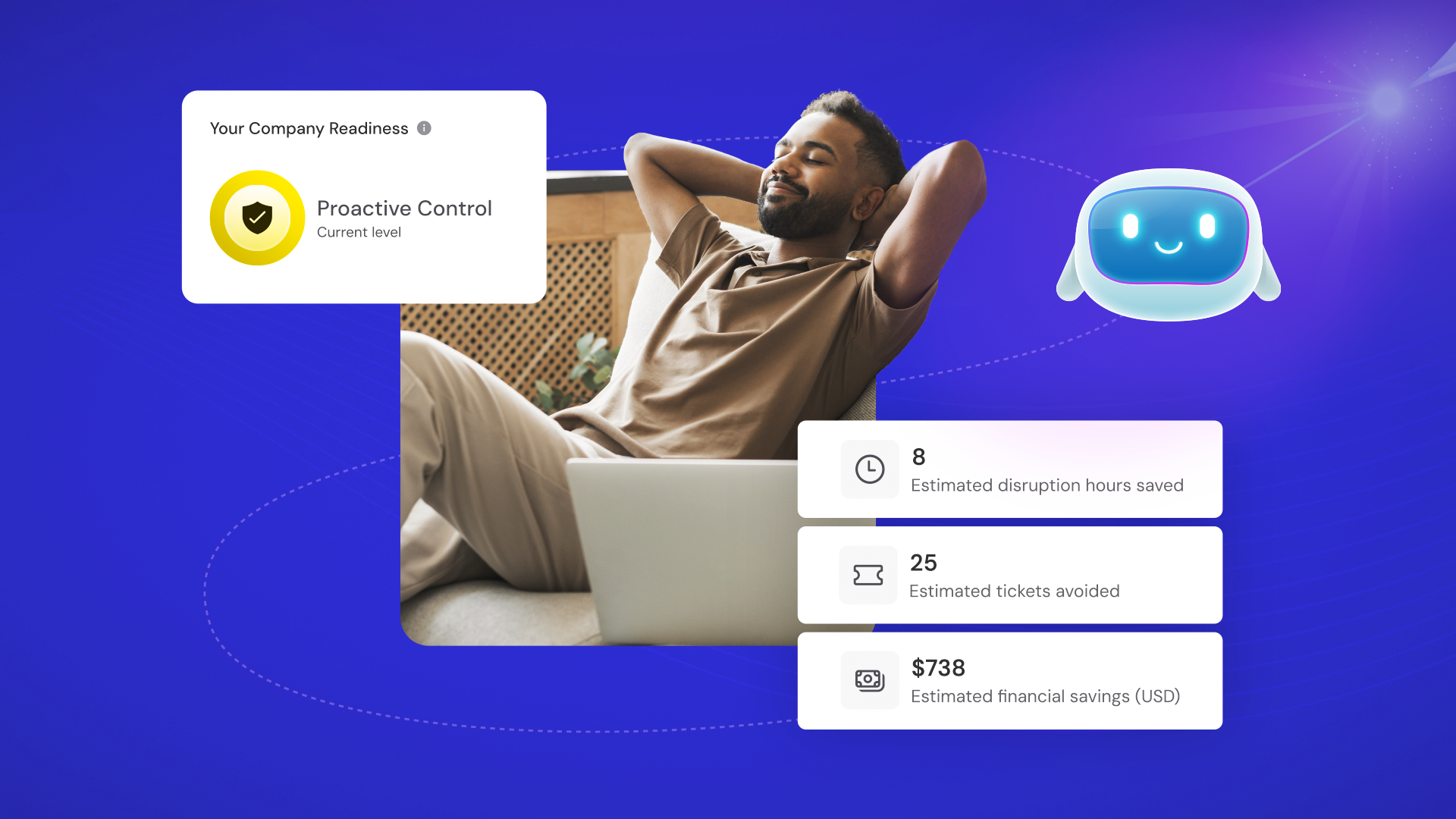
TeamViewer ONE enables lean IT teams to shift from reactive support to proactive device management with a single platform that combines remote access, intelligent automation, experience monitoring, and endpoint management. Fix problems before they create tickets, consolidate tools, and prevent issues from escalating. With built-in security and automation, IT teams can resolve problems faster, support hybrid work confidently, and deliver exceptional digital experiences. AI is transforming IT management, empowering even small teams to deliver enterprise-level impact. By automating repetitive tasks, accelerating diagnostics, and enabling predictive insights.
Company Details
Need Assistance?
We're here to help you with understanding our reports and the data inside to help you make decisions.
Get AssistanceTeamViewer ONE Ratings
Real user data aggregated to summarize the product performance and customer experience.
Download the entire Product Scorecard
to access more information on TeamViewer ONE.
Product scores listed below represent current data. This may be different from data contained in reports and awards, which express data as of their publication date.
90 Likeliness to Recommend
1
Since last award
97 Plan to Renew
83 Satisfaction of Cost Relative to Value
1
Since last award
Emotional Footprint Overview
Product scores listed below represent current data. This may be different from data contained in reports and awards, which express data as of their publication date.
+94 Net Emotional Footprint
The emotional sentiment held by end users of the software based on their experience with the vendor. Responses are captured on an eight-point scale.
How much do users love TeamViewer ONE?
Pros
- Enables Productivity
- Reliable
- Fair
- Efficient Service
How to read the Emotional Footprint
The Net Emotional Footprint measures high-level user sentiment towards particular product offerings. It aggregates emotional response ratings for various dimensions of the vendor-client relationship and product effectiveness, creating a powerful indicator of overall user feeling toward the vendor and product.
While purchasing decisions shouldn't be based on emotion, it's valuable to know what kind of emotional response the vendor you're considering elicits from their users.
Footprint
Negative
Neutral
Positive
Feature Ratings
Remote Control
Remote Support
Attended and Unattended Remote Access
Role-Based Access Controls
Discovery
Vendor Capability Ratings
Ease of Implementation
Quality of Features
Business Value Created
Ease of IT Administration
Usability and Intuitiveness
Breadth of Features
Ease of Data Integration
Product Strategy and Rate of Improvement
Availability and Quality of Training
Vendor Support
Ease of Customization
Also Featured in...
Remote Monitoring and Management
Score 9.0
View TeamViewer ONE in this category (opens in a new tab)
Web and Video Conferencing - Enterprise
Score 8.9
View TeamViewer ONE in this category (opens in a new tab)
Enterprise Mobility Management
Score 8.3
View TeamViewer ONE in this category (opens in a new tab)
TeamViewer ONE UI 1
TeamViewer ONE UI 2
TeamViewer ONE UI 3
TeamViewer ONE
TeamViewer ONE
See what's New in TeamViewer Remote
Digital Transformation in F1: Inside the Mercedes-AMG PETRONAS Factory
TeamViewer ONE Reviews
Lise-Mari L.
- Role: Industry Specific Role
- Industry: Other
- Involvement: End User of Application
Submitted Jan 2025
Great for receiving remote support from IT Teams.
Likeliness to Recommend
What differentiates TeamViewer ONE from other similar products?
TeamViewer allows remote access across various devices, including PCs, smartphones, and tablets.
What is your favorite aspect of this product?
It offers robust remote support capabilities, including session recording, session analytics, and multi-user support sessions. This makes it easier to manage IT support cases and collaborate with other experts
What do you dislike most about this product?
The occasional lag and slow performance, especially when connecting to remote devices over long distances or with poor internet connections.
What recommendations would you give to someone considering this product?
Attend courses on how to use this product to ensure you make use of all it's features effectively.
Pros
- Helps Innovate
- Reliable
- Performance Enhancing
- Enables Productivity
Please tell us why you think this review should be flagged.
abhishek g.
- Role: Information Technology
- Industry: Technology
- Involvement: IT Development, Integration, and Administration
Submitted Jan 2025
Reliable remote support tool
Likeliness to Recommend
What differentiates TeamViewer ONE from other similar products?
Cross-platform compatibility, high security standards, and robust remote support capabilities for both personal and business use.
What is your favorite aspect of this product?
Its seamless remote access across different devices and operating systems, ensuring smooth support and collaboration no matter the platform.
What do you dislike most about this product?
Its pricing structure, which can be costly for small businesses or individual users needing advanced features.
What recommendations would you give to someone considering this product?
I recommend specific remote access needs and ensuring that the pricing plan aligns with the features you require, as Team-Viewer offers a wide range of options based on usage.
Pros
- Helps Innovate
- Continually Improving Product
- Reliable
- Performance Enhancing
Please tell us why you think this review should be flagged.

Danson M.
- Role: Consultant
- Industry: Energy
- Involvement: IT Leader or Manager
Submitted Jan 2025
Easy to use, but a bit pricey
Likeliness to Recommend
What differentiates TeamViewer ONE from other similar products?
TeamViewer distinguishes itself through its ease of use, strong cross-platform compatibility, robust security features, and comprehensive feature set. It offers a user-friendly interface, making it accessible to both tech-savvy and less experienced users. Its ability to connect to virtually any device across multiple operating systems provides unparalleled flexibility. TeamViewer also prioritizes security with features like 256-bit AES session encryption and two-factor authentication. Finally, it goes beyond basic remote control with features like file transfer, remote printing, and online meetings, catering to a wide range of use cases.
What is your favorite aspect of this product?
My favorite aspect of TeamViewer is its ease of use. It's incredibly intuitive, even for those who aren't very tech-savvy. Establishing connections is quick and straightforward, making it a valuable tool for both personal and professional use.
What do you dislike most about this product?
One of the biggest drawbacks of TeamViewer is its pricing model. While it offers a free version, it has significant limitations, and the paid versions can be quite expensive for businesses, especially those with a large number of users. This can make it a cost-prohibitive option for some organizations, particularly smaller ones with tighter budgets.
What recommendations would you give to someone considering this product?
TeamViewer excels in user-friendliness and cross-platform compatibility, but its pricing can be a significant barrier, especially for businesses. Before committing, I recommend starting with the free version, carefully evaluating pricing against competitors, exploring alternatives, reading user reviews, and utilizing free trials to determine if it's the best fit for your needs and budget.
Pros
- Continually Improving Product
- Unique Features
- Effective Service
- Inspires Innovation
Please tell us why you think this review should be flagged.






Get Instant Access<br>to this Report
Get Instant Access
to this Report
Unlock your first report with just a business email. Register to access our entire library.
© 2026 SoftwareReviews.com. All rights reserved.
