


What is WebWork Tracker?
WebWork is an AI-powered time tracking and employee monitoring software that helps teams track work, understand productivity, and manage their workforce — from clock-in to payroll, fully automated. WebWork provides solutions like time tracking, employee monitoring, productivity monitoring, payroll automation, timesheet tracking, project and task management, attendance and leave management, optional screenshots, and AI-powered productivity insights. What makes WebWork stand out is that it's a true all-in-one platform — powered by AI. WebWork AI works across the entire workflow. The platform is available on desktop (Windows, macOS, Linux), web, and mobile, and as a kiosk app.
Company Details
Need Assistance?
We're here to help you with understanding our reports and the data inside to help you make decisions.
Get AssistanceWebWork Tracker Ratings
Real user data aggregated to summarize the product performance and customer experience.
Download the entire Product Scorecard
to access more information on WebWork Tracker.
Product scores listed below represent current data. This may be different from data contained in reports and awards, which express data as of their publication date.
90 Likeliness to Recommend
1
Since last award
100 Plan to Renew
73 Satisfaction of Cost Relative to Value
1
Since last award
Emotional Footprint Overview
Product scores listed below represent current data. This may be different from data contained in reports and awards, which express data as of their publication date.
+98 Net Emotional Footprint
The emotional sentiment held by end users of the software based on their experience with the vendor. Responses are captured on an eight-point scale.
How much do users love WebWork Tracker?
Pros
- Reliable
- Performance Enhancing
- Enables Productivity
- Efficient Service
How to read the Emotional Footprint
The Net Emotional Footprint measures high-level user sentiment towards particular product offerings. It aggregates emotional response ratings for various dimensions of the vendor-client relationship and product effectiveness, creating a powerful indicator of overall user feeling toward the vendor and product.
While purchasing decisions shouldn't be based on emotion, it's valuable to know what kind of emotional response the vendor you're considering elicits from their users.
Footprint
Negative
Neutral
Positive
Feature Ratings
Timesheet
Dashboards and Reporting
Productivity Analysis
Screenshots
Task Tracking
Application and URL Monitoring
Document and File Tracking
Domain Blocking
Email Monitoring
Keystroke Recording
Alerts
Vendor Capability Ratings
Breadth of Features
Ease of IT Administration
Ease of Implementation
Quality of Features
Business Value Created
Usability and Intuitiveness
Ease of Customization
Vendor Support
Availability and Quality of Training
Ease of Data Integration
Product Strategy and Rate of Improvement
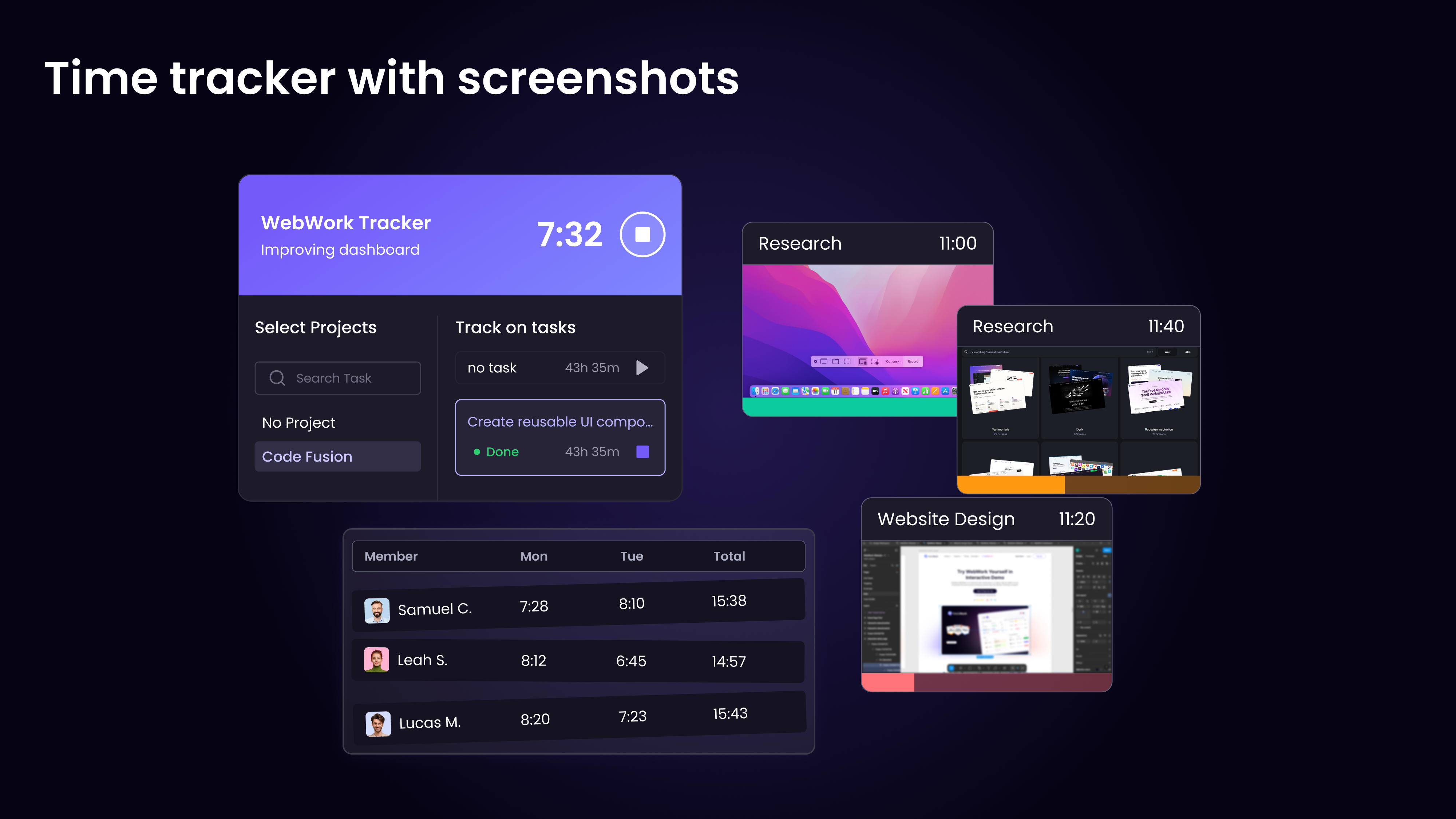
Time Tracker with Screenshots
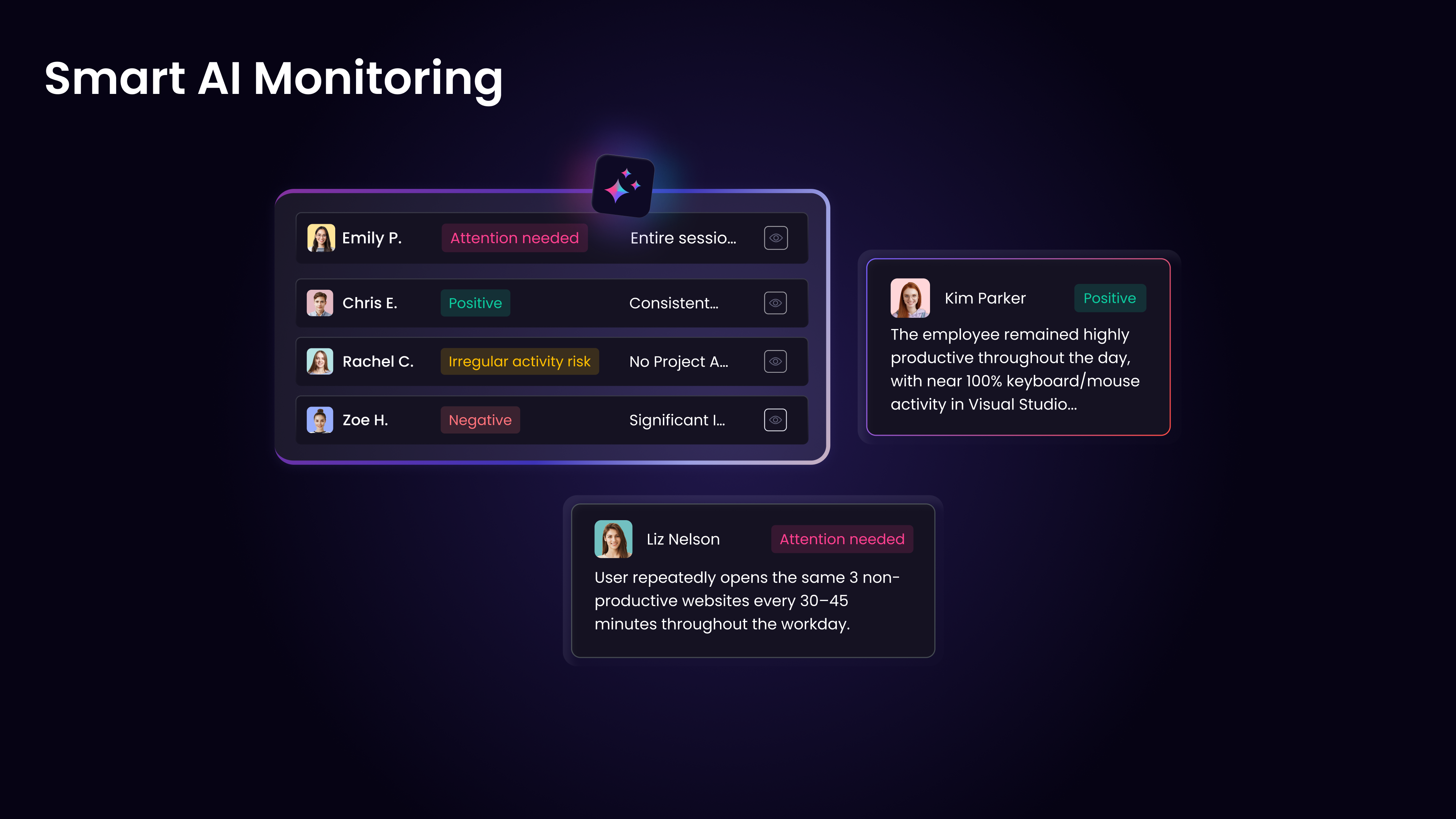
Smart AI Monitoring
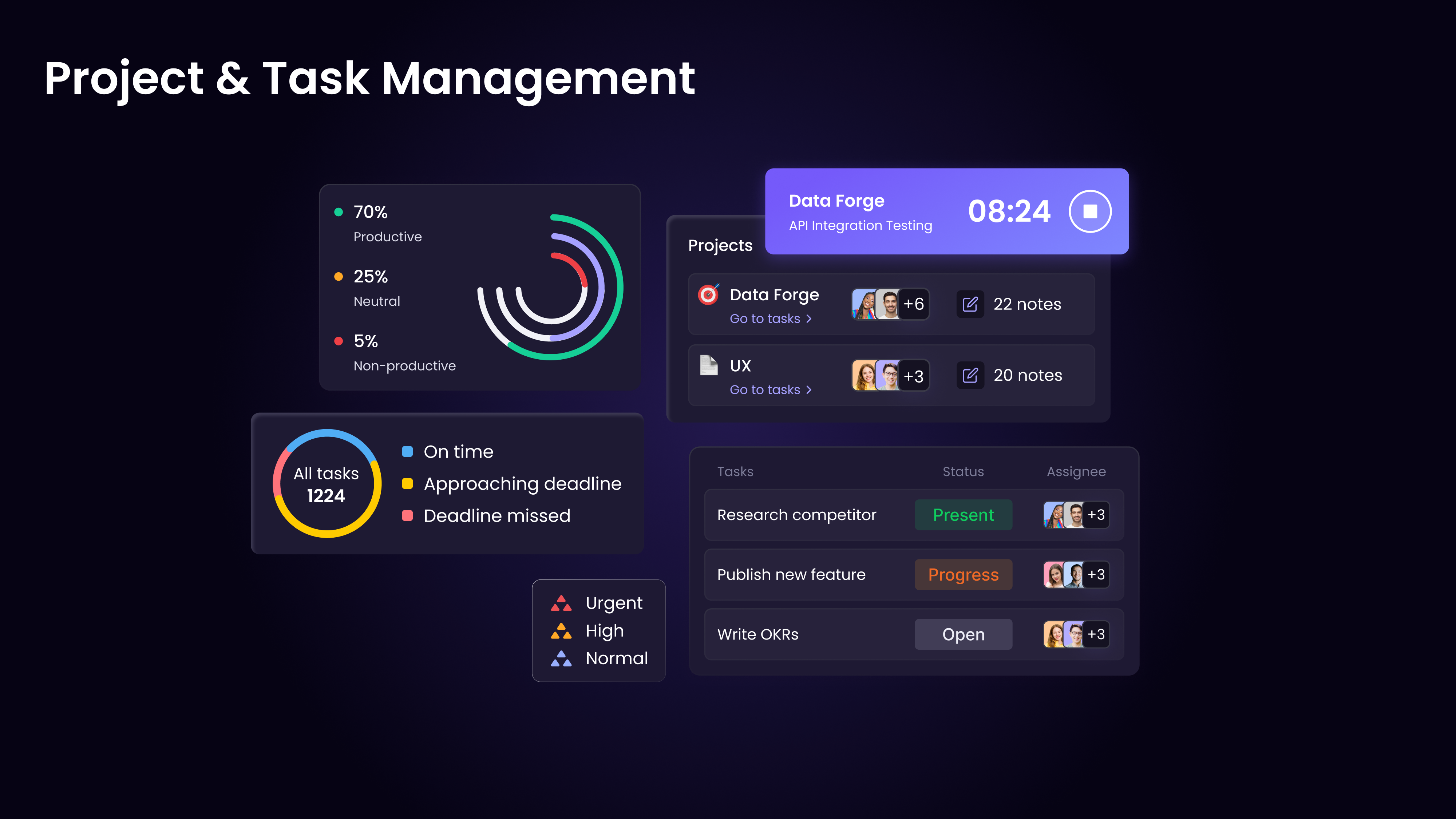
Project and Task Management
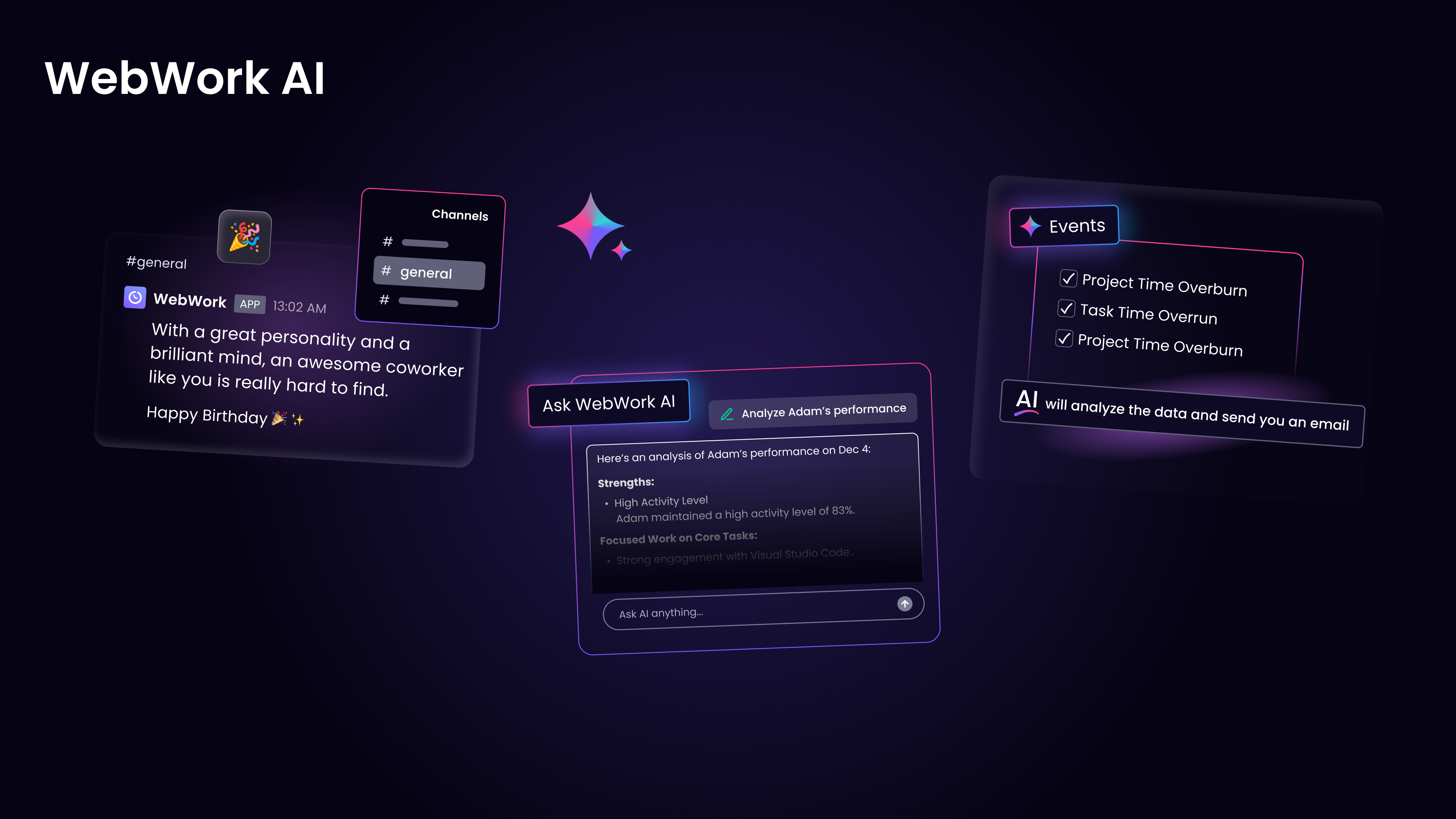
WebWork AI
Field Service Time Tracking
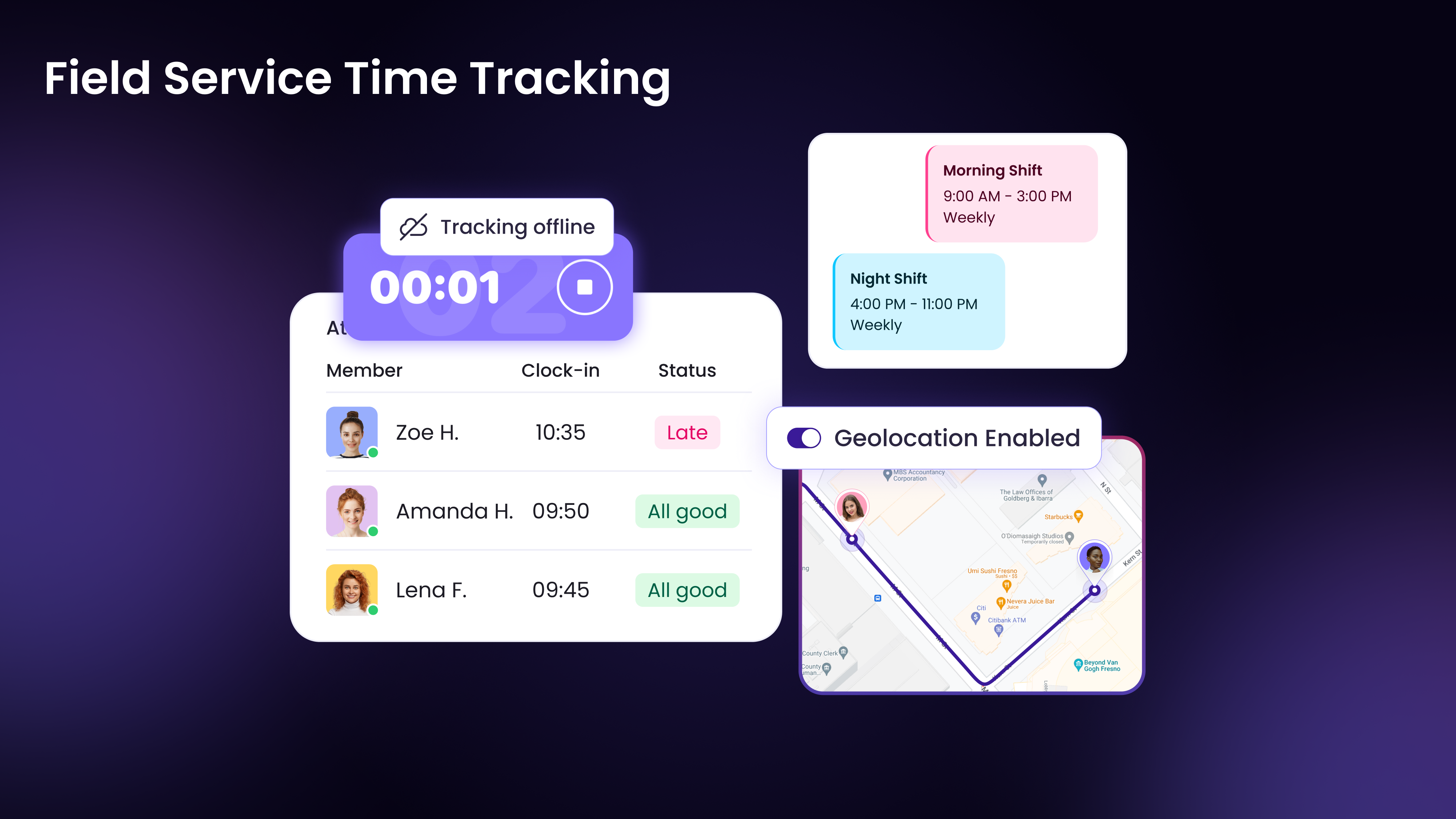
WebWork Time Tracker — From Clock In to Payroll, Automatically
WebWork Time Tracker — Complete Visibility Behind Every Timesheet
Meet the Future of Time Tracking with WebWork AI
How to set up your WebWork Workspace (Visible & Silent Tracker)?
How to set up and manage Shifts in WebWork?
How to create Tasks on WebWork?
Prevent Employee Burnout with AI — Before It's Too Late
How to use the WebWork Desktop App?
How to Monitor Productivity in WebWork?
WebWork Tracker Reviews
Sakshi S.
- Role: Human Resources
- Industry: Technology
Submitted Jul 2026
Useful Tool for Tracking Team Productivity
Likeliness to Recommend
What differentiates WebWork Tracker from other similar products?
After using WebWork Tracker for some time, I found that it provides a clear overview of how work is progressing without making the tracking process overly complicated. Having time records, activity information, and project details available in one place made it easier to understand how work was being distributed acress the team.
What is your favorite aspect of this product?
The feature that has been the most helpful for me is the detailed work history. Instead of relying on manual updates, I can review tracked time and project activity whenever needed. It has been useful for understanding workloads and discussing progress with team members during regular check-ins.
What do you dislike most about this product?
One thing I noticed is that it takes a little time to become familiar with all of the available reports and settings. During the initial setup, I wasn't always sure which options were the most relevant for my team's workflow. Once everything was configured, however, using the platform became much more straightforward.
What recommendations would you give to someone considering this product?
I would recommend deciding in advance what information you actually want to track before configuring the platform. Keeping the setup simple in the beginning made adoption much easier in my experience. As your team becomes more comfortable, you can gradually explore additional reporting and tracking features that match your workflow.
Pros
- Helps Innovate
- Continually Improving Product
- Reliable
- Performance Enhancing
Please tell us why you think this review should be flagged.
- Role: Industry Specific Role
- Industry: Engineering
- Involvement: End User of Application
Submitted May 2026
solid tracker with great insights
Likeliness to Recommend
Pros
- Performance Enhancing
- Enables Productivity
- Respectful
- Acts with Integrity
Please tell us why you think this review should be flagged.
Shubham V.
- Role: Information Technology
- Industry: Technology
- Involvement: IT Leader or Manager
Submitted May 2026
Great Platform for Efficient development
Likeliness to Recommend
What differentiates WebWork Tracker from other similar products?
WebWork Tracker stands out for its accurate time tracking, detailed productivity insights, easy team monitoring, and smooth workflow management. As a developer, I also found the interface simple to use and helpful for managing web development tasks, tracking work hours, and improving overall project organization.
What is your favorite aspect of this product?
My favorite aspect of WebWork Tracker is its clean and user-friendly interface combined with accurate time tracking and productivity monitoring. It helps me manage web development tasks efficiently, monitor project progress in real time, and keep my daily workflow organized without any confusion.
What do you dislike most about this product?
One thing I dislike is that sometimes the desktop application can feel slightly resource-heavy while running continuously in the background. Also, a few advanced features and reports could be made more beginner-friendly for new users who are not familiar with project tracking tools.
What recommendations would you give to someone considering this product?
I would recommend this product to freelancers, remote teams, and software developers who want accurate time tracking and better productivity management. It is especially useful for managing web development projects, tracking work hours, and improving team accountability. New users should spend some time exploring all features and reports to get the maximum benefit from the platform.
Pros
- Helps Innovate
- Continually Improving Product
- Reliable
- Performance Enhancing
Please tell us why you think this review should be flagged.



Get Instant Access<br>to this Report
Get Instant Access
to this Report
Unlock your first report with just a business email. Register to access our entire library.
© 2026 SoftwareReviews.com. All rights reserved.
